MonuDesk for iPhone is here.
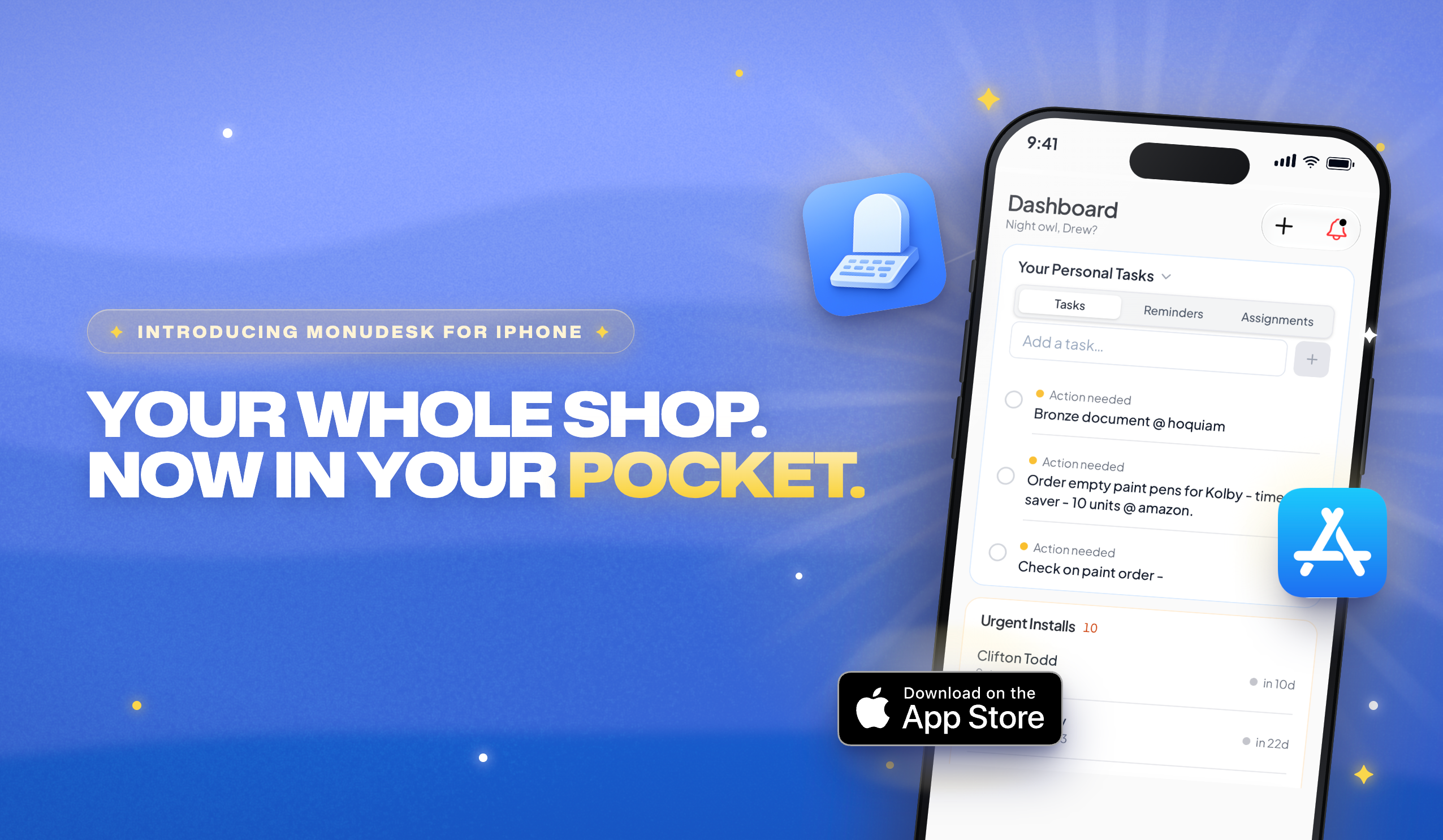
Hi there! 👋 MonuDesk is now on the App Store. Same login, same orders, same team, now on your iPhone. Check today's installs from the cemetery, move an order along from the truck, and file the signed contract before you leave the funeral home.
👉 Download MonuDesk on the App Store and sign in with the email and password you already use.
🏠 Your whole day on one screen
Home: your tasks, reminders and assignments, urgent installs and drawings waiting for approval, ready before you unlock the shop.
Orders: one column per stage, with balance due, cemetery and open to-dos on every card. Press and hold a card to drag it to the next stage.
Search: the magnifier next to the tabs finds any order in seconds.
+ New Quote: the full quote wizard, inscription and lettering included, sized for your thumb.


🔔 Push notifications and Catch up
Push notifications: orders assigned to you, stage changes, new install dates, tasks, @mentions, drawing approvals, website leads, reminders and partner updates reach your phone the moment they happen.
More → Settings → Profile → Notifications: choose what reaches your phone and set quiet hours. The bell in MonuDesk always keeps everything.
Catch up: tap the bell and work through what came in overnight one card at a time. Open the order, keep it unread, or mark it read.
View all: the full feed, filtered by type or by who sent it.


🚀 How to get it
Open the App Store on your iPhone and search for MonuDesk, or tap here.
Sign in with your usual MonuDesk email and password.
Tap Allow when your iPhone asks about notifications.
The app is free for everyone on your MonuDesk account, so send this to your team too. 📲