The order board gets deadline colors and customizable cards
Your Order Management board now warns you about deadlines and bends to fit how your shop actually works.
🚦 Order cards that warn you before you fall behind
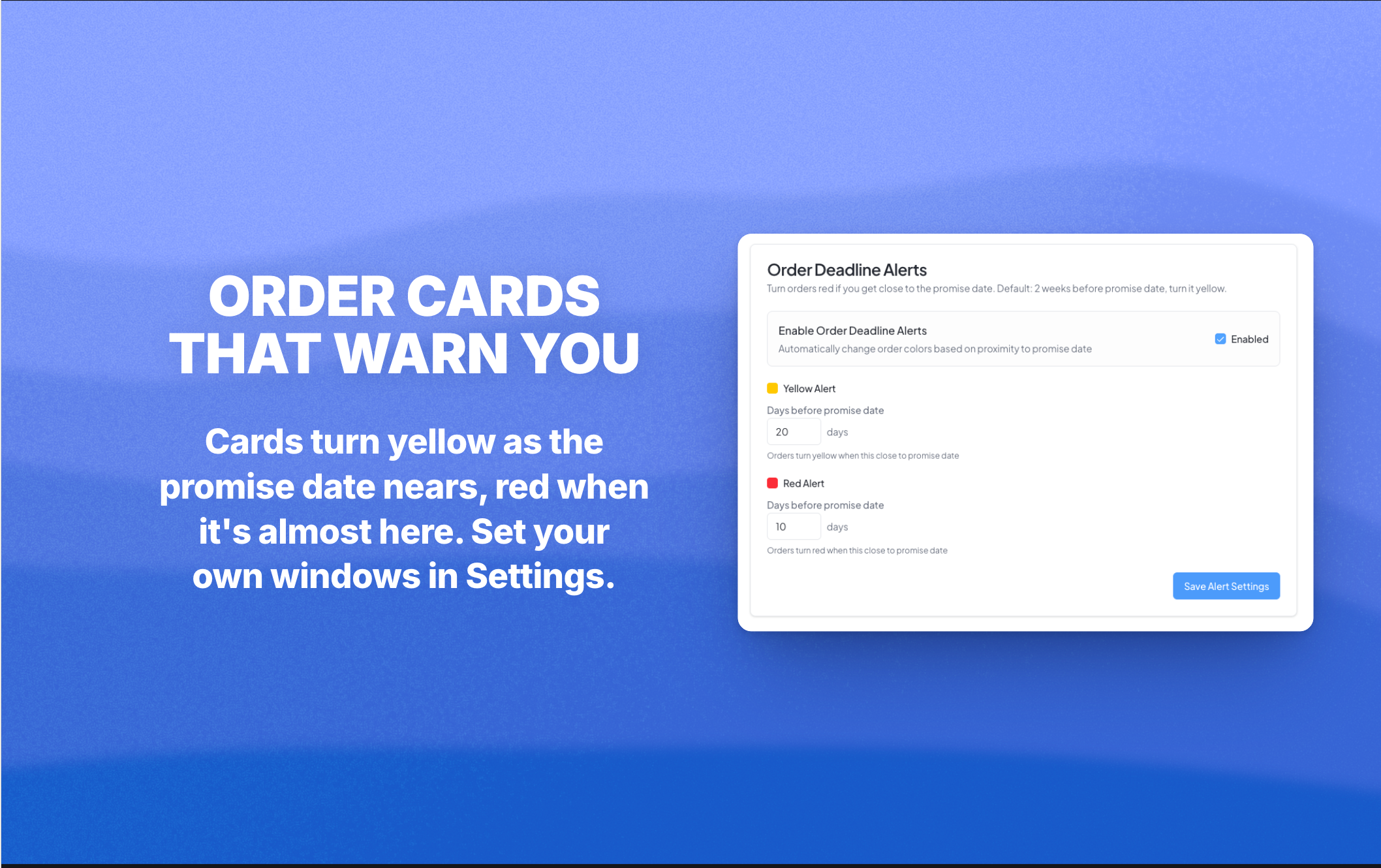
Your order cards now change color as the promise date gets close, so the jobs that need attention jump out at you the second you open the board.
Cards turn yellow when the promise date is getting near, red when it's almost here, and a deeper red once it's past due. You set the windows in Settings → Order Management: how many days out triggers yellow (starts at 14), how many triggers red (starts at 7), and an on or off switch if you'd rather keep the board plain.
No more scanning every card to find the rush jobs. The board tells you.
🗂️ Build your order cards your way
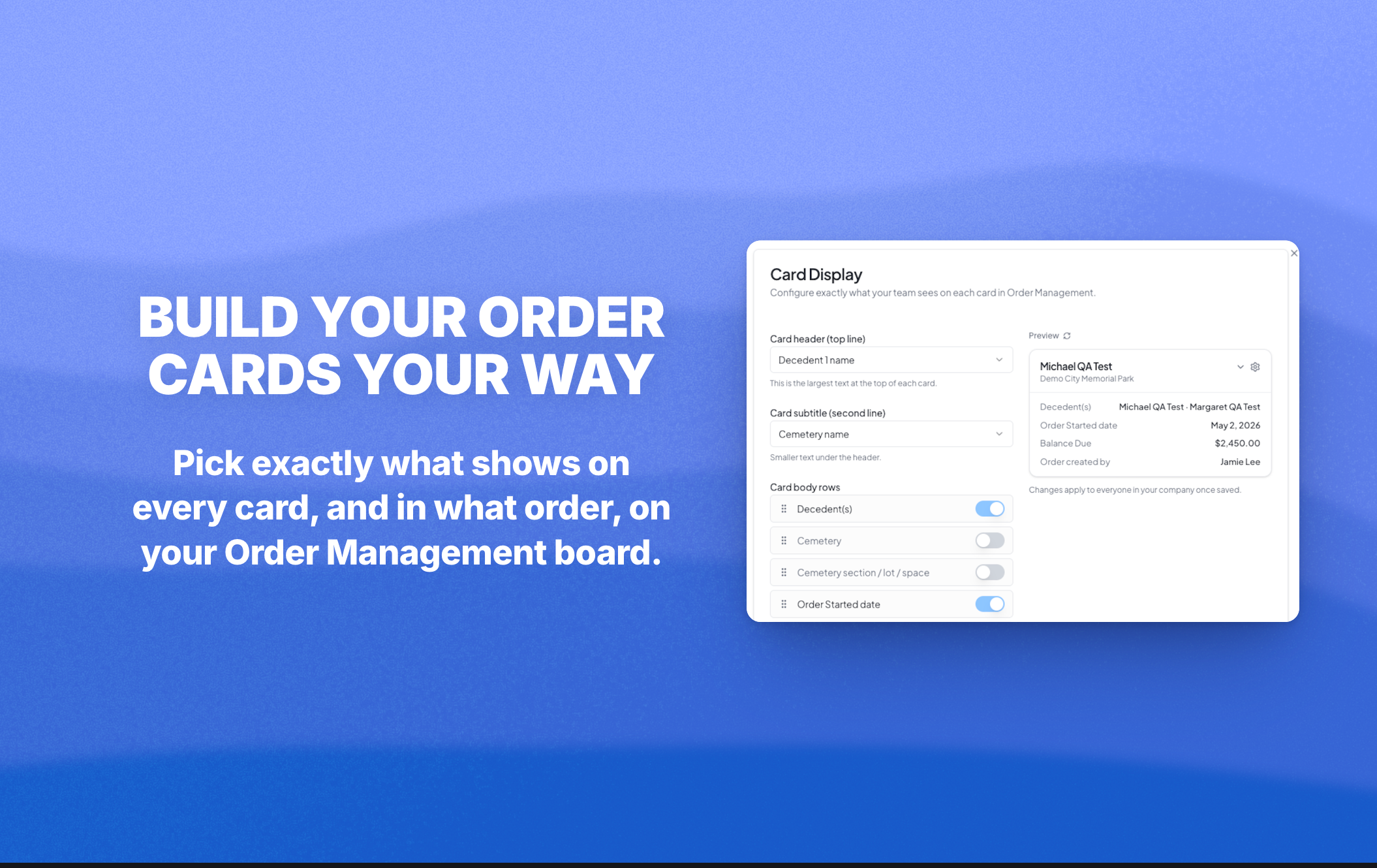
You can now choose exactly what shows on every card on your Order Management board. Head to Settings → Order Management → Card Display.
Pick what goes on the top line (it starts on the decedent name), pick the second line, then toggle which detail rows appear and drag them into whatever order makes sense for your shop. A live preview shows your changes as you make them. Whatever you set applies to everyone on your team, so the whole board reads the same way for the whole crew.
Also in this update
The Files panel in Order Overview now updates the second you generate a Foundation Order, Purchase Order, contract, or receipt. No more refreshing to see your new doc.
Purchase Order PDFs generate again.
In New Quote Step 3, typing 0 in a feet input now jumps to inches like every other digit does.
Pull up app.monudesk.com and your board will already be color coded. Set your own windows and layout in Settings whenever you get a minute.