Rename, recolor, and reorder your to-dos

Your task settings got a major upgrade. You now have full control over how your tasks look, what the steps are called, and which ones show up on your orders.
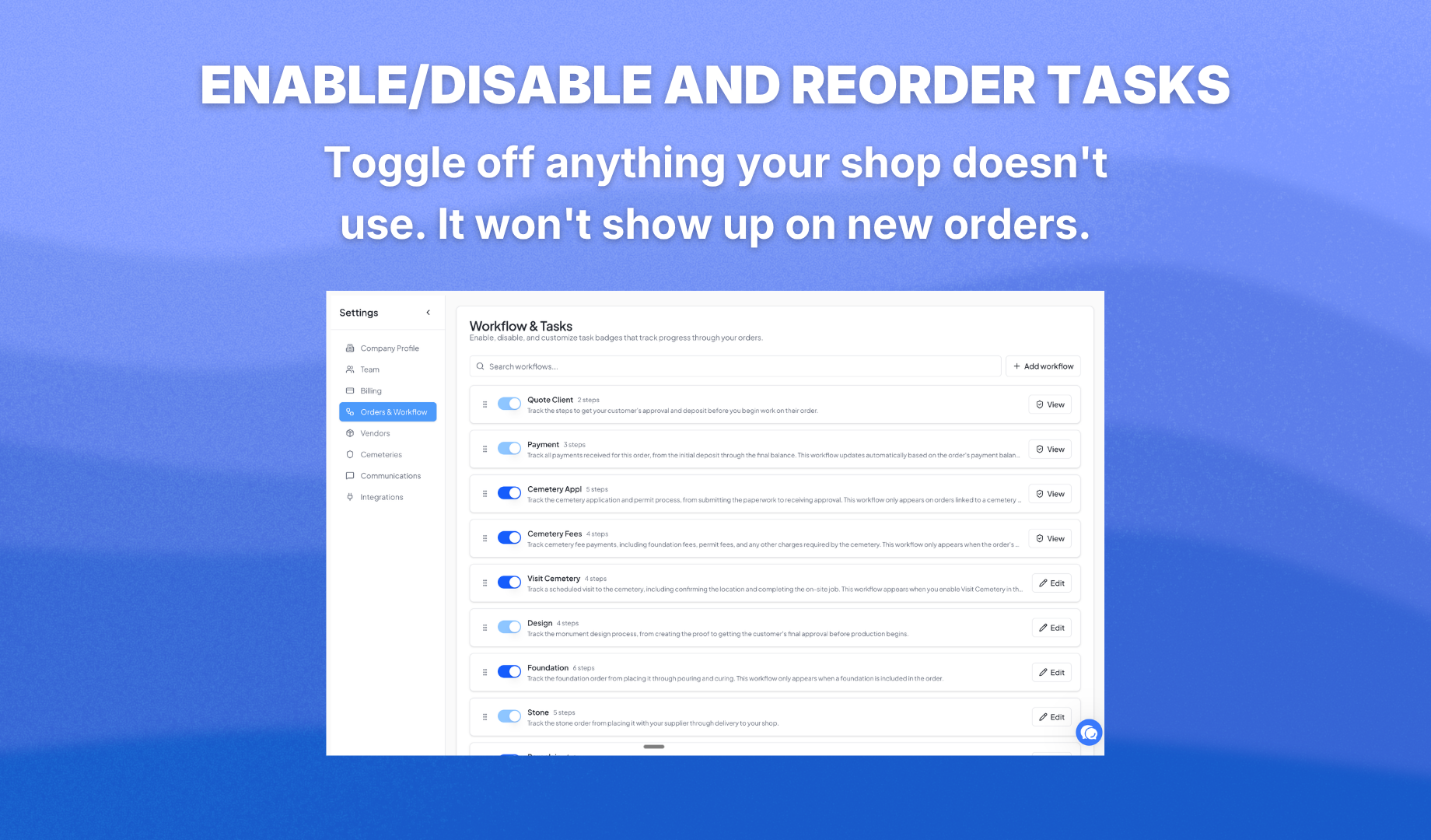
For each task, you can rename the steps, recolor them, reorder them, and edit the description. If you create your own custom task, you have full control — add steps, delete steps, rename everything, or delete the whole task if you no longer need it.
You can also turn off tasks your shop doesn't use. If you don't do foundation work, turn it off and it won't show up on new orders. Four tasks can never be turned off — Quote, Payment, Design, and Stone — because they keep everything else running.

Want something that doesn't exist yet? Hit Add Task and build it from scratch. Your custom tasks show up on all new orders just like the built-in ones.
To get started, go to Settings and open Orders & Workflow.