Contacts page, tax control per line item, and a big round of fixes
👤 New Contacts page
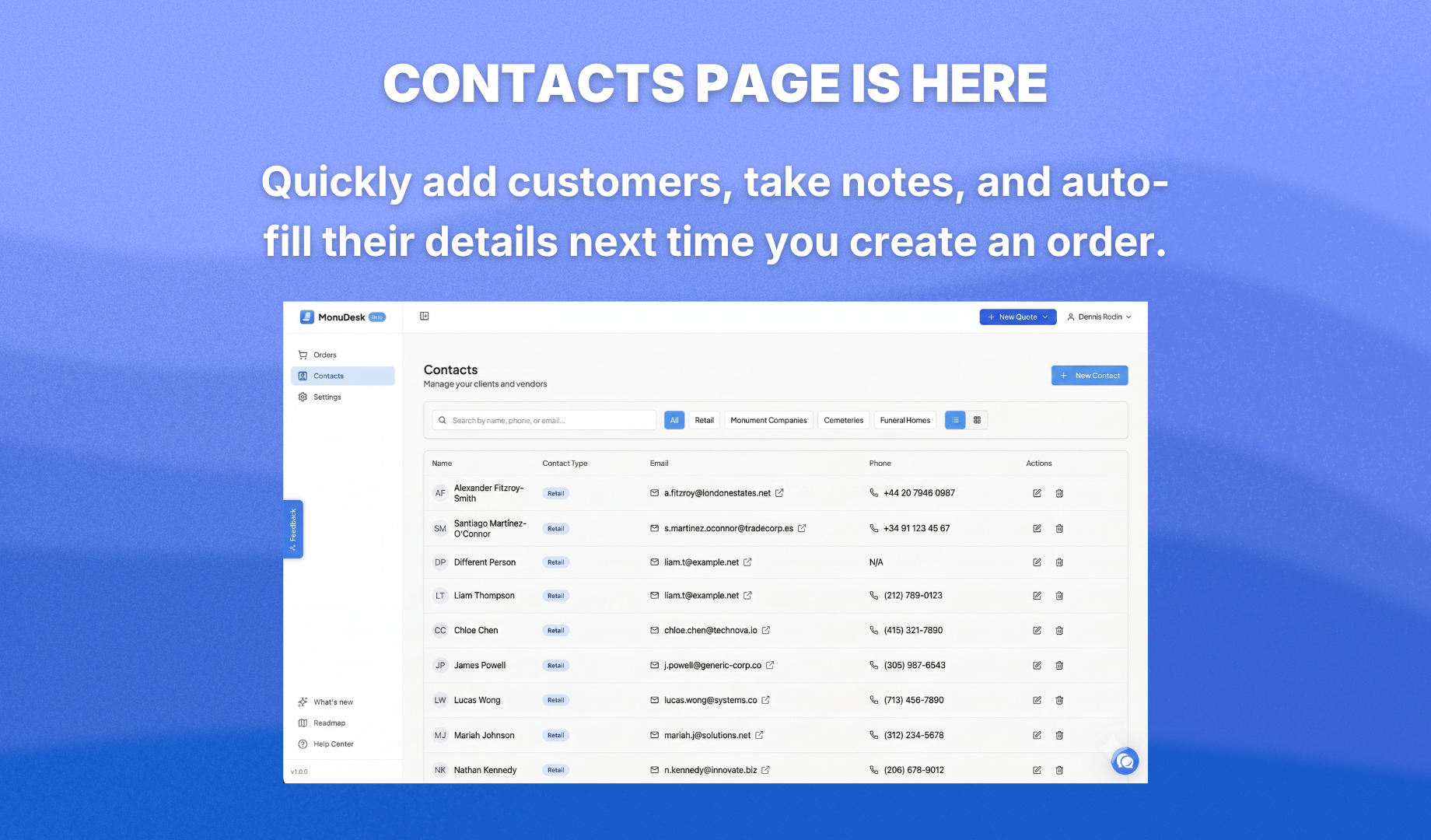
There's now a dedicated Contacts page in MonuDesk. Add your customers, take notes, and organize them by category. When you start typing a name in New Quote, it searches your contacts and fills in the details for you. When you create an order, a contact is created automatically too.
Good to know: If a contact is a business customer, you can categorize them as such. When you select them in New Quote, the form switches to business-to-business mode — tax is set to zero automatically and the customer portal link is turned off so they don't receive it. Order cards reflect the customer type too, and you can filter the Order Management board to show only wholesale or only retail orders.
🏷️ Control tax on individual line items
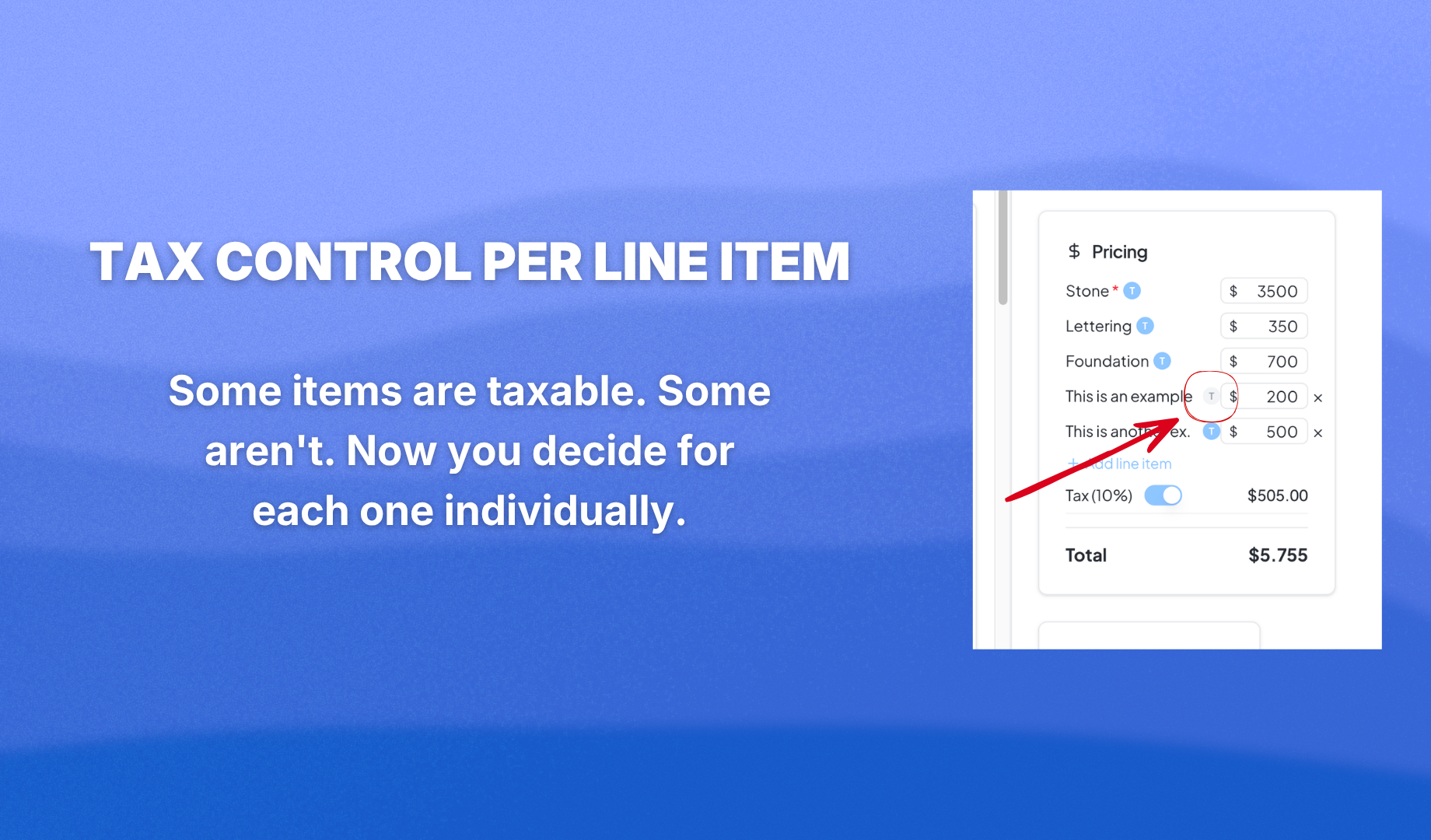
Before, every line item was taxed. Now you can turn tax on or off for each item individually. If services aren't taxed in your state, just disable it on that line. Full control, no workarounds.
📄 Custom line items now show on all PDFs
Any custom line item you add to an order now appears on every PDF — invoice, receipt, shop ticket, and contract.
Also in this update
Cemetery and foundation fees were missing from PDF line items. Fixed. The size-based cemetery fee calculator was reworked to be easier to use. The customer portal menu is now grayed out when there's no email on the order or it's a service order. Document visibility in the customer portal now defaults correctly — financial documents and drawings are external by default, everything else is internal.
The PDF was showing bevel and slant markers as "Die" instead of their correct type. Fixed. The shop ticket now shows proper finish labels like S2, S3, P2, P3 instead of raw codes.
You can now click the top navigation buttons to move between New Quote, your drafts, and your edit order screen without going back to the board. Much faster.
A sketch bug where removing a name still left the image visible is resolved.
Don't just read about it — try it at app.monudesk.com.